 100% 免费
放射列表PowerPoint谷歌幻灯片
Opposing Radial List for PowerPoint and Google Slides
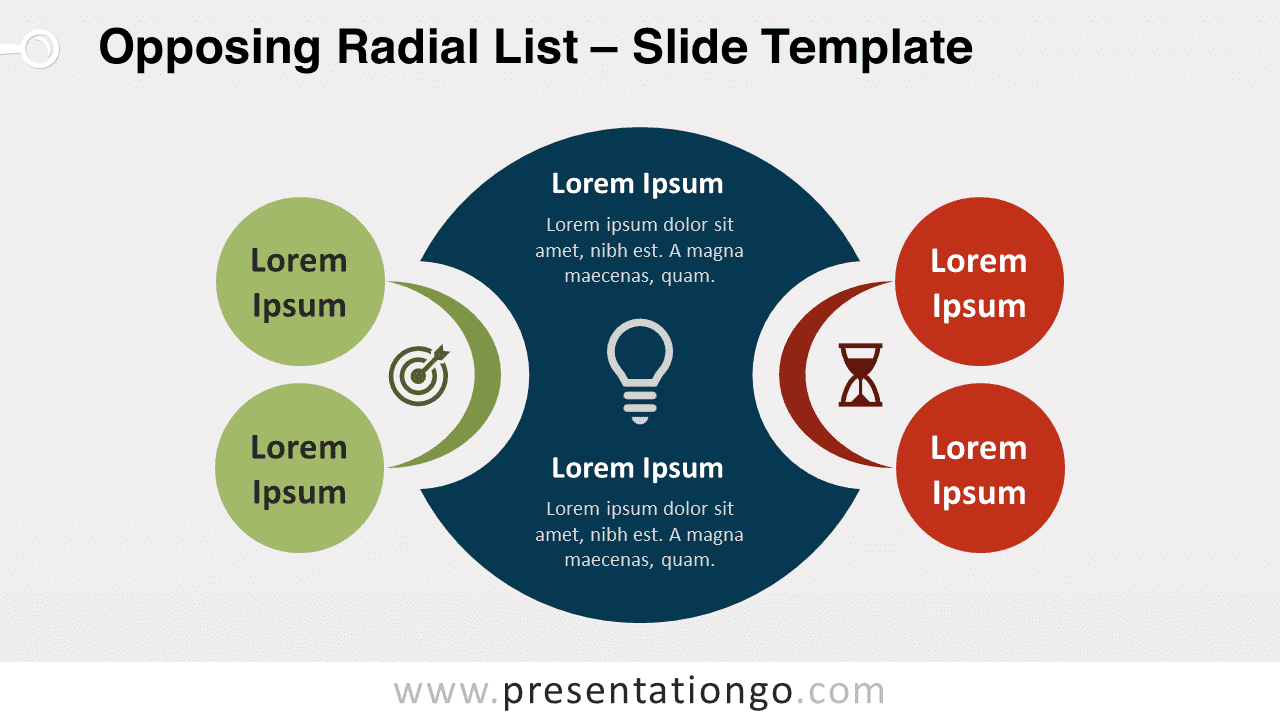
Free opposing radial list for PowerPoint and Google Slides. Use these two sets of two elements to explain a main central idea.
模板详情
Free opposing radial list for PowerPoint and Google Slides. Use these two sets of two elements to explain a main central idea. Editable graphics with icons and text placeholders. There are so many outstanding ways to present a list of facts or ideas! So, stop using hackneyed bulleted lists and try our free Opposing Radial List template! This modern infographic slide shows a large blue circular shape in the center. This is where you can name and explain your central idea and illustrate it with an icon. On both sides, you will find crescent moon shapes that link 2 green circles on the left and 2 red ones on the right. Thanks to these 4 options , you can indeed oppose 2 positive ideas and 2 negative ones. You can also illustrate them with icons and name them with text. This free Opposing Radial List template is ideal for making comparisons between 4 ideas or facts, especially if you have 2 negative and 2 positive ones.
- 来源
- PresentationGo
- 文件格式
- pptx
- 文件大小
- 121 KB
- 下载次数
- 0
- 幻灯片页数
- 2
- 页面比例
- 16:9
作者 / 版权:PresentationGo
原始出处:PresentationGo 原文