 100% 免费
PullTab漏斗PowerPoint谷歌幻灯片
Pull Tab Funnel for PowerPoint and Google Slides
Discover the "Pull Tab Funnel for PowerPoint and Google Slides": a 4-part dynamic slide template with icons & pull tabs. Elevate your presentation now!
模板详情
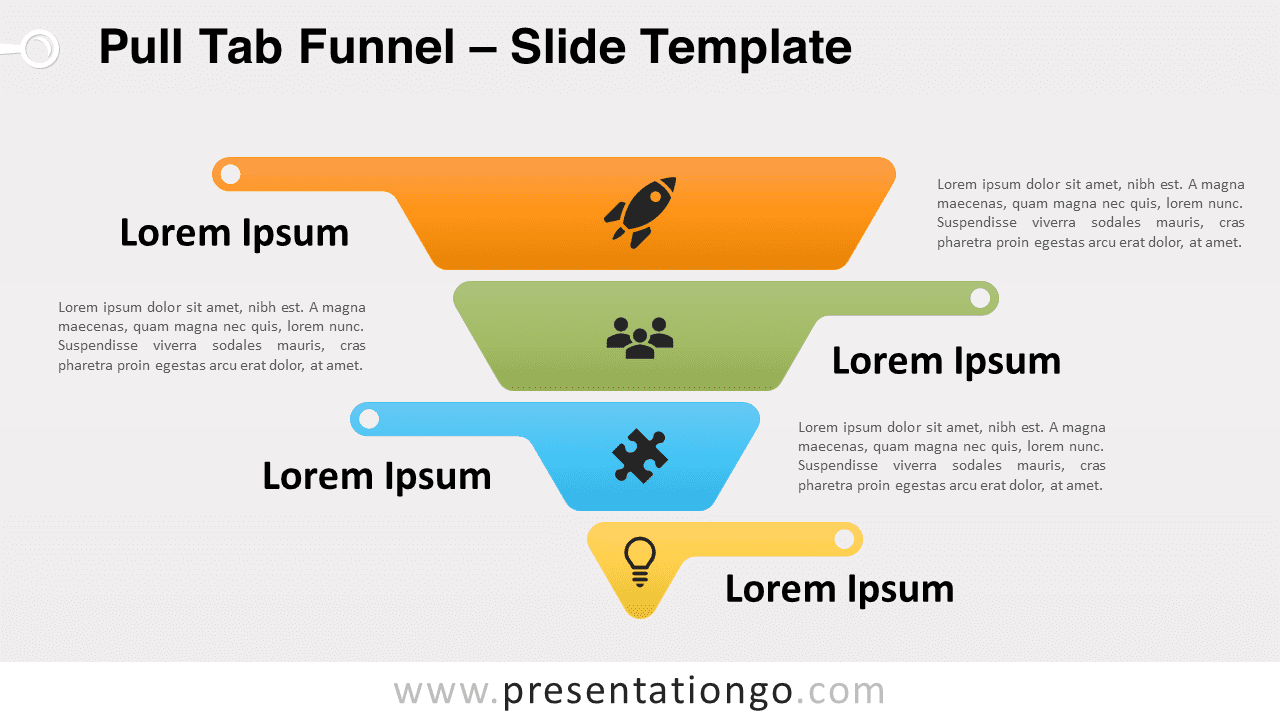
Introducing our new slide template: the “Pull Tab Funnel for PowerPoint and Google Slides.” This dynamic visual aid is segmented into four colorful parts, each adorned with pull tabs and icons. Moreover, this funnel illustration is meticulously designed with four equal-height sections. Each part radiates vibrancy with distinct colors, providing not just aesthetic appeal but clarity as well. Pull tabs alternate their position from right to left atop each segment, adding an innovative touch. At the heart of each section lies an icon, surrounded by a customizable text placeholder, letting you relay your message with both imagery and words. Imagine presenting a concept that involves the sifting or merging of information. This visual aid is ideal for such a scenario. Perhaps you’re showcasing how varied components come together harmoniously, emphasizing the final outcome. Alternatively, it’s a perfect fit for depicting four sequential steps in any process, guiding your audience vertically through the flow. Given its design, the slide template underscores each phase’s importance, ensuring your presentation remains memorable. In conclusion, this “Pull Tab Funnel for PowerPoint and Google Slides” is more than just an illustration. It’s a versatile visual companion for presenters, ensuring clarity, engagement, and professionalism. Whether you’re delineating processes or converging ideas, this slide template amplifies your message. Additionally, its customizability offers flexibility for a range of topics.
- 来源
- PresentationGo
- 文件格式
- pptx
- 文件大小
- 99 KB
- 下载次数
- 0
- 幻灯片页数
- 2
- 页面比例
- 16:9
作者 / 版权:PresentationGo
原始出处:PresentationGo 原文