 100% 免费
右侧部分PowerPoint谷歌幻灯片
Right Doughnut with 5 Parts for PowerPoint and Google Slides
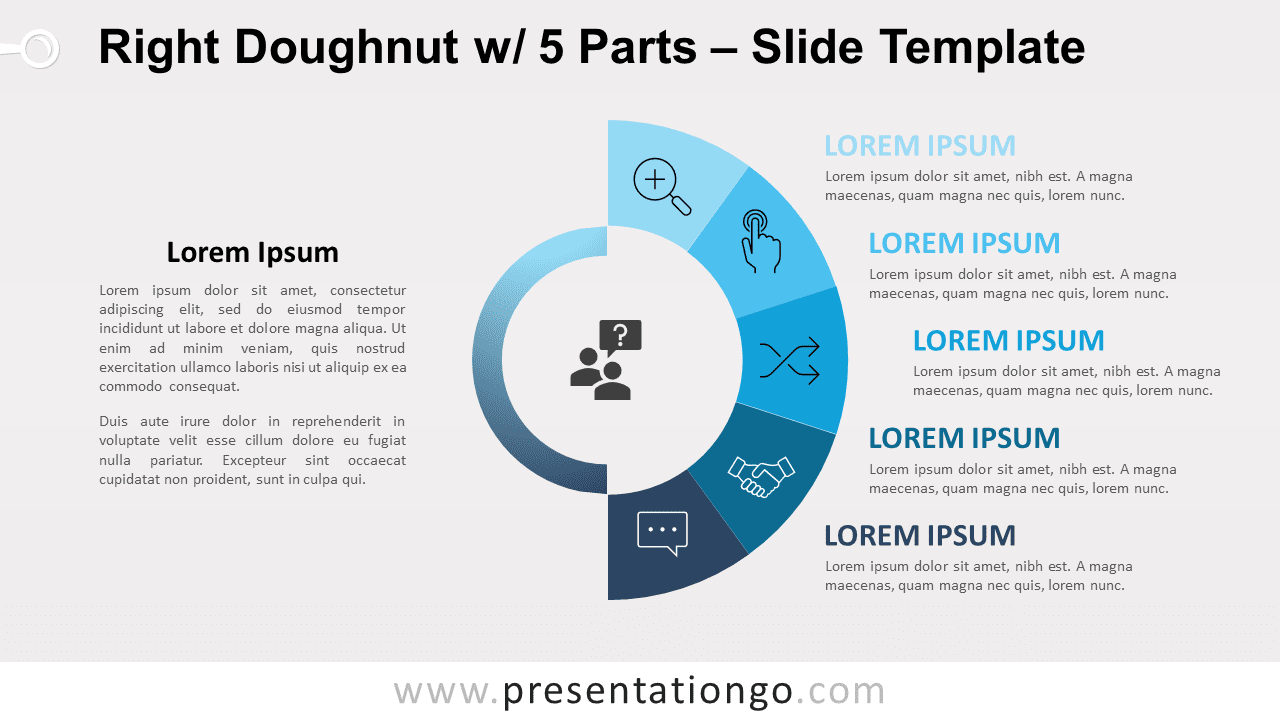
Free right doughnut with 5 parts for PowerPoint and Google Slides. A semicircular pie chart with 5 equal parts. Editable graphics.
模板详情
Free right doughnut with 5 parts for PowerPoint and Google Slides. A semicircular pie chart with 5 equal parts. Editable graphics with icons and text placeholders. Presenters should always use the right chart for the right information! That is why we advise you to download this free Right Doughnut with 5 Parts template! You can indeed treat your audience with a sweet radial infographic! This simple slide displays a clear, classy, and modern design. It shows a circle in the center, made of two different semi-circular shapes. The right part offers a large semi-doughnut chart divided into 5 equal parts, colored in different shades of blue. These represent your 5 options , facts, or ideas. You can also include an icon and insert a title and text next to each section. Moreover, you can insert an icon in the center of the graphic to illustrate your main idea. Finally, there is another large text placeholder on the left side in case you need to explain your ideas and information in writing. This free Right Doughnut with 5 Parts template is a great tool to share 5 peripheral ideas linked to a central idea. This radial chart will help you convey key information in the clearest way possible.
- 来源
- PresentationGo
- 文件格式
- pptx
- 文件大小
- 135 KB
- 下载次数
- 0
- 幻灯片页数
- 2
- 页面比例
- 16:9
作者 / 版权:PresentationGo
原始出处:PresentationGo 原文