 100% 免费
列表
Spiral Notebook List
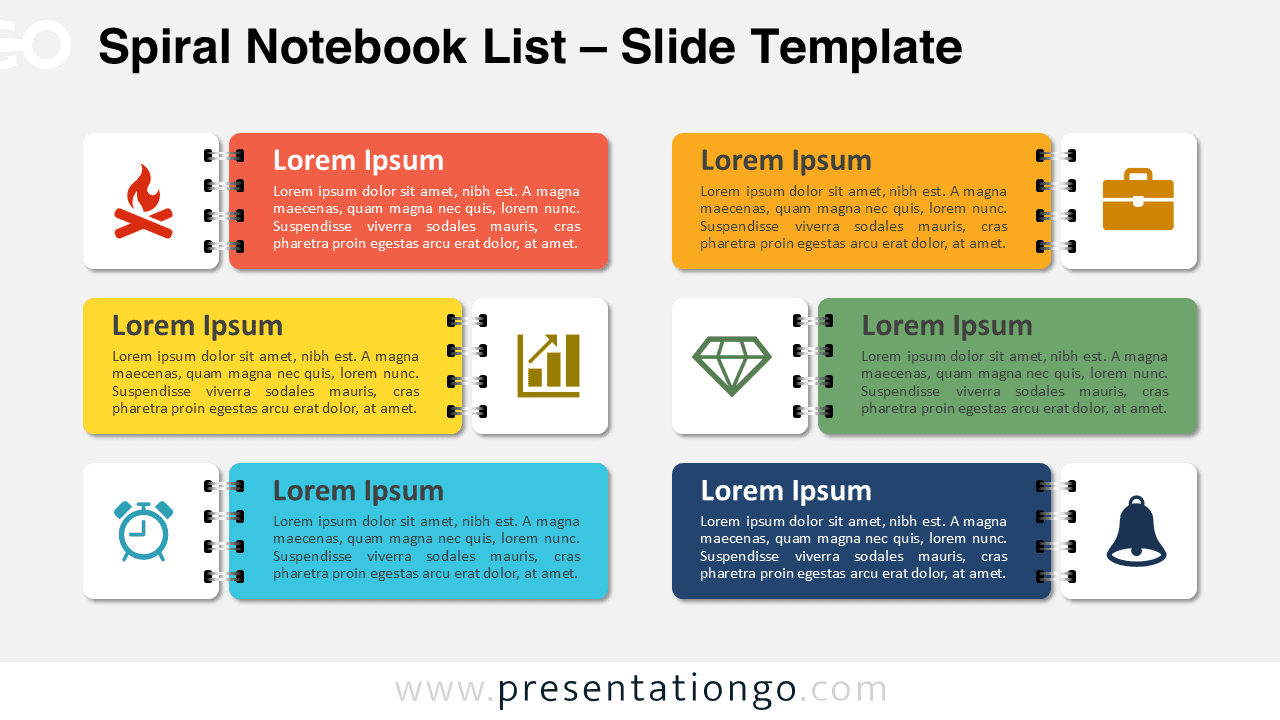
Download this six-section Spiral Notebook List template for PowerPoint and Google Slides to display your lists, processes, or ideas creatively.
模板详情
The Spiral Notebook List template features six notebook-style sections with icons for organizing information clearly in PowerPoint and Google Slides presentations. Designed to replicate the structure of a spiral-bound notebook , this template includes six horizontal, rectangular blocks. Each block represents a section and is “bound” by a spiral connector, offering a cohesive and thematic layout. Icons accompany each block to visually differentiate the content, enhancing understanding. The organized format ensures clarity in every presentation. This template is ideal for professionals detailing project timelines, educators illustrating step-by-step lessons, or marketers outlining strategies. Its logical structure and clear segmentation are perfect for storytelling, process breakdowns, or explaining interconnected ideas. For example, project managers can use it to display workflows, while educators can outline lessons with easily recognizable icons. It includes two unique slides pre-populated with text placeholders and editable icons. The shapes are fully customizable, allowing adjustments to colors or layout. Both light and dark theme options are provided, ensuring compatibility with various presentation styles. Additionally, the template supports both Standard (4:3) and Widescreen (16:9) formats and is offered in PowerPoint PPTX and Google Slides.
模板特性
- 2 unique slides
- Options for both light and dark themes
- Pre-populated with icons and text placeholders
- Fully customizable shapes for complete control
- Available in both Standard (4:3) and Widescreen (16:9) ratios
- Offered in both PowerPoint PPTX and Google Slides formats
- 来源
- PresentationGo
- 文件格式
- pptx
- 文件大小
- 154 KB
- 下载次数
- 0
- 幻灯片页数
- 2
- 页面比例
- 16:9
作者 / 版权:PresentationGo
原始出处:PresentationGo 原文