 100% 免费
拆分对比卡片
Split-Screen Comparison Cards
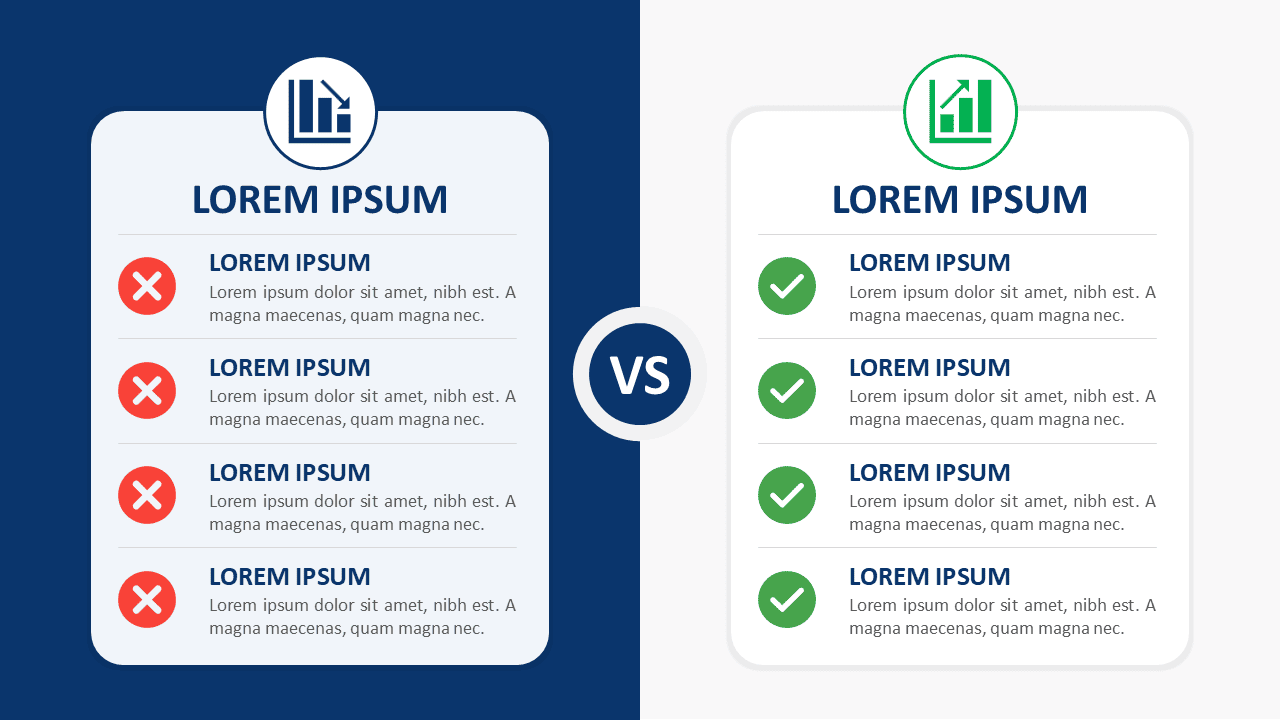
Download Split-Screen Comparison Cards for PowerPoint and Google Slides. Compare two options across four clear points with fully editable content.
模板详情
The Split-Screen Comparison Cards diagram gives you a clear way to compare two options within one slide. Its balanced side-by-side structure helps viewers evaluate differences without jumping between separate layouts. Each card provides four distinct comparison points, making the design useful for structured business discussions, reviews, and decision-making presentations. A central “VS” element visually connects both sides while keeping each option easy to scan. Short headings, supporting text, and status icon placeholders create a repeatable visual hierarchy. The diagram works in PowerPoint and Google Slides and can be adapted for many comparison scenarios.
- 来源
- PresentationGo
- 文件格式
- pptx
- 文件大小
- 95 KB
- 下载次数
- 0
作者 / 版权:PresentationGo
原始出处:PresentationGo 原文