 100% 免费
PowerPoint谷歌幻灯片
Toggle Switches for PowerPoint and Google Slides
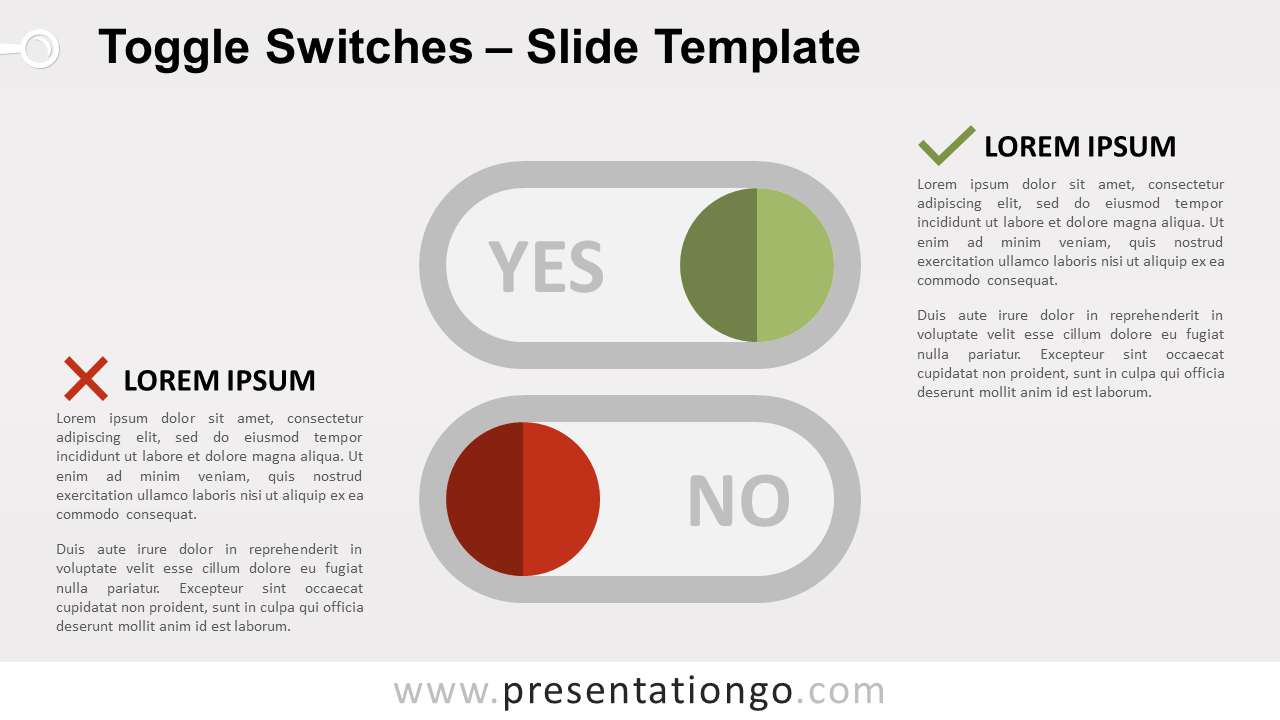
Free toggle switches for PowerPoint and Google Slides. Flat design illustration of 2 digital on/off (or yes/no) switches. Great to show dichotomous ideas.
模板详情
Free toggle switches for PowerPoint and Google Slides. Flat design illustration of 2 digital on/off (or yes/no) switches. Editable graphics with icons and text placeholders. You have already seen these little switches in applications, websites, or other digital products. As a matter of fact, digital designers love switches in their user interfaces (UI) because they facilitate the user experience (UX). In general, we use toggle switches on electrical devices to open or close an electrical circuit. But digital designers use them to simplify a yes/no option to choose from. Indeed, the straightforward (and very easy to understand) design prompts users to choose between two mutually exclusive options. More specifically for presentations, the toggle switches can be handy to compare dichotomous concepts or ideas, such as good vs bad.
- 来源
- PresentationGo
- 文件格式
- pptx
- 文件大小
- 72 KB
- 下载次数
- 0
- 幻灯片页数
- 2
- 页面比例
- 16:9
作者 / 版权:PresentationGo
原始出处:PresentationGo 原文