 100% 免费
三角形线条流程PowerPoint谷歌幻灯片
Triangle Lines Process for PowerPoint and Google Slides
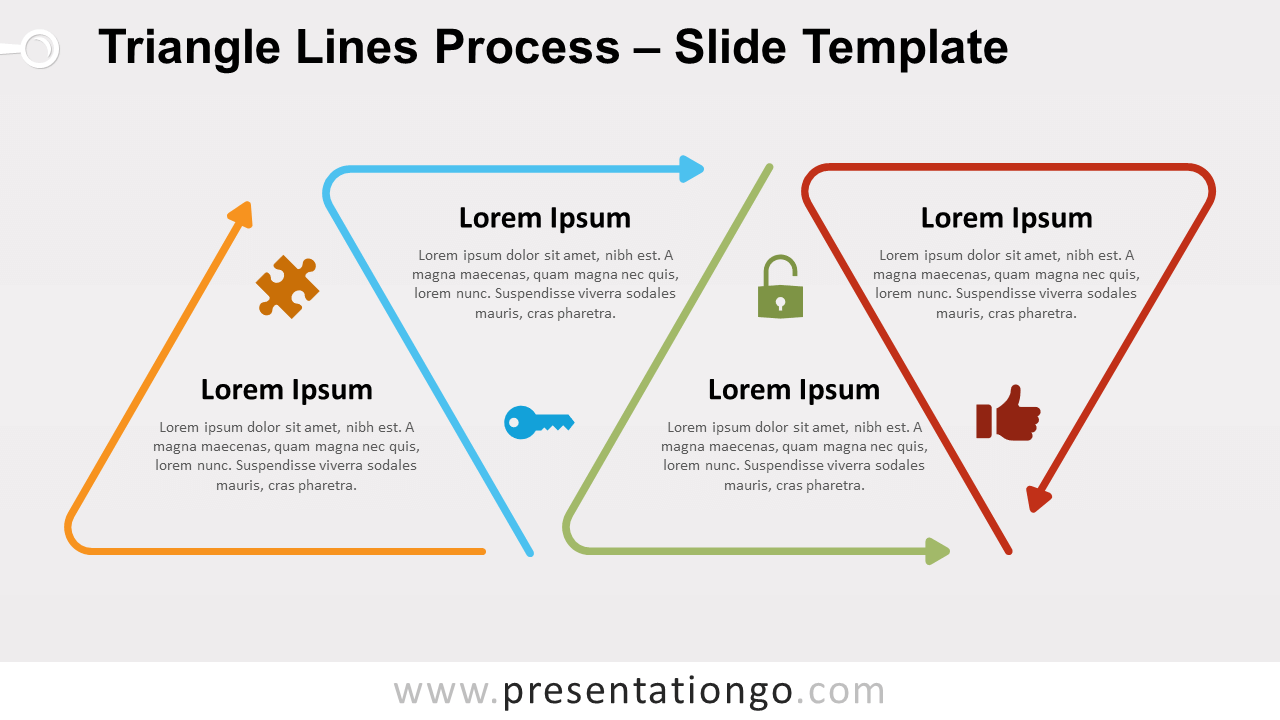
Free triangle lines process for PowerPoint and Google Slides. Triangle outline shapes aligned in horizontal flow. Editable graphics with icons and text.
模板详情
Free triangle lines process for PowerPoint and Google Slides. Triangle outline shapes aligned in horizontal flow. Editable graphics with icons and text placeholders. Our imagination has no limit when it comes to developping our collection of Line Design diagrams! This new process diagram illustrates four bent arrows. Specifically, the first three arrows represent two sides of a triangle shape. The following shape completes each previous triangle – except for the very last arrow that is a complete 3-side triangle. And you can embed inside of each triangle an icon or a number, and your text. Use this triangle lines process diagram in your presentations as a timeline to illustrate a list of events in chronological order. It will be also suitable to show a progression or 4 sequential steps in a task, process, or workflow.
- 来源
- PresentationGo
- 文件格式
- pptx
- 文件大小
- 118 KB
- 下载次数
- 0
- 幻灯片页数
- 2
- 页面比例
- 16:9
作者 / 版权:PresentationGo
原始出处:PresentationGo 原文