 100% Gratuit
Circle Alternating Process for PowerPoint and Google Slides
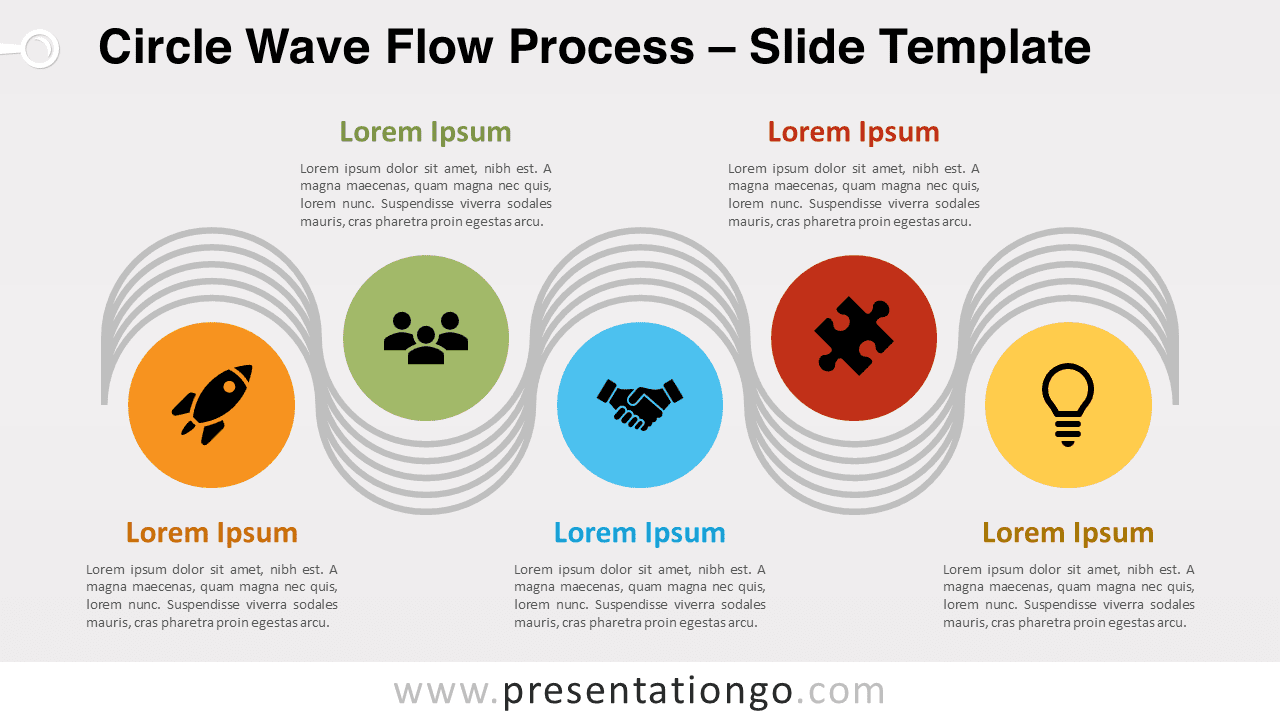
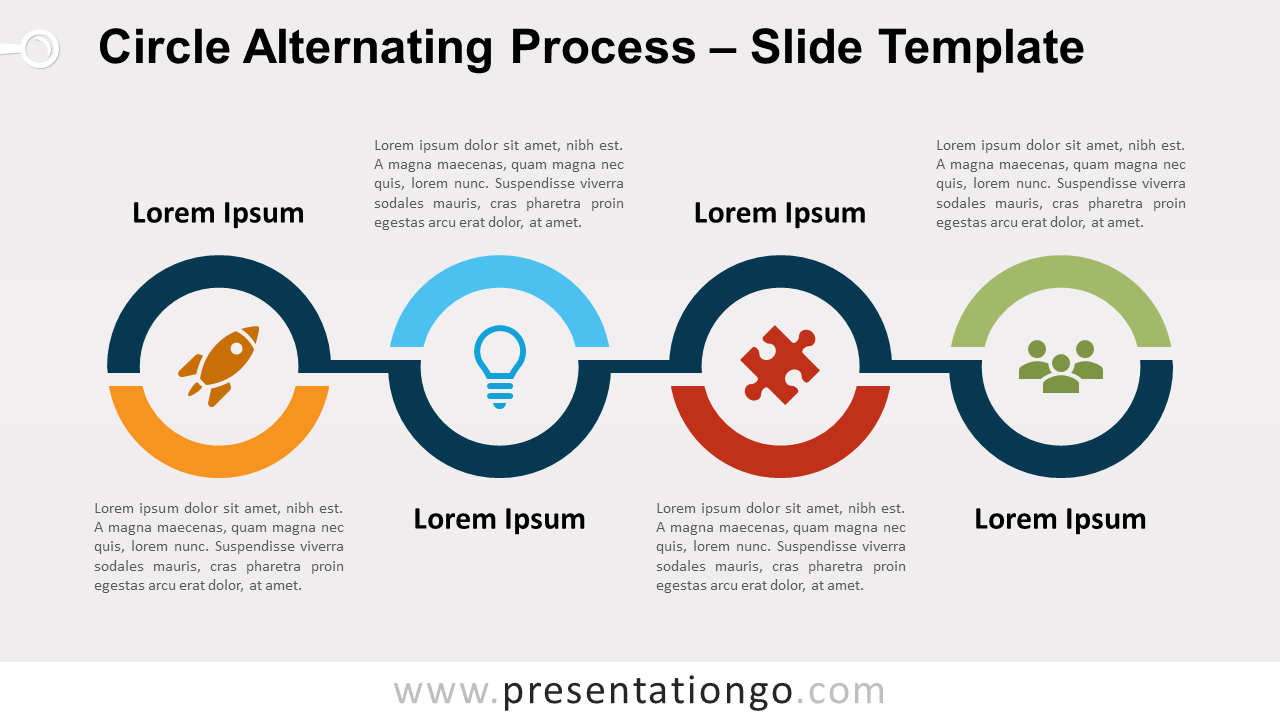
Free circle alternating process for PowerPoint and Google Slides. A series of four connected rings with an alternating flow. Completely editable graphics.
Détails du modèle
Free circle alternating process for PowerPoint and Google Slides. A series of four connected rings with an alternating flow. Editable graphics with icons and text placeholders. One of the different reasons to use an alternating flow as your process diagram is that it optimizes the slide space . Indeed, the text alternatively goes above and below the process graphic. And that allows you to have your information well spread over your slide so that it is easier to read. More specifically, this process illustrates a series of 4 rings split into 2 parts. Each ring is connected to the following step, forming an alternating path. Use this circle alternating process to show groups of information or sequential steps in a task, process, or workflow. The alternating flow emphasizes the interaction or relationships among the groups of information.
- Source
- PresentationGo
- Format
- pptx
- Taille
- 90 KB
- Téléchargements
- 0
- Diapositives
- 2
- Format
- 16:9
Auteur / Copyright:PresentationGo
Source d’origine:PresentationGo original