 100% Gratuit
Perspective Arrow Conversion for PowerPoint and Google Slides
Upgrade your presentation with the Perspective Arrow Conversion for PowerPoint and Google Slides. Discover how this visual aid enhances storytelling. Download now!
Détails du modèle
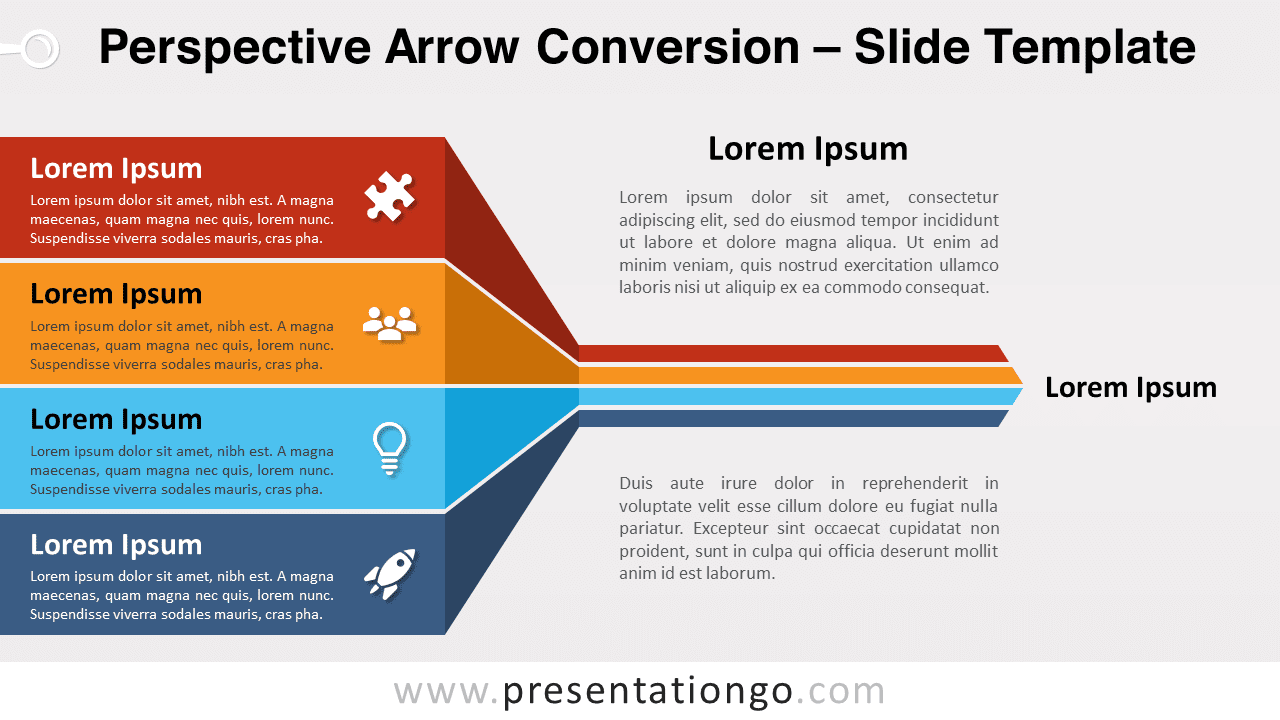
Harness the power of the Perspective Arrow Conversion slide template for PowerPoint and Google Slides. This visual aid promises to elevate your presentation’s dynamic appeal. Visualize a dynamic illustration that paints a vivid narrative. We have four horizontal banners, saturated with colors of your choice, which are angled to create a foreground presence. These banners seemingly fold and converge, sculpting a four-layered right arrow, making it seem as though it’s receding into the background. Each horizontal strip comes with its own title, text, and a modifiable icon on the right – a place for a number, a symbol, or any icon from the Office library. Why should this slide grace your presentation? It’s more than just aesthetics. Contextualize it for myriad scenarios. Be it stages in a project, phases in a journey, or layers of a process – this illustration effectively depicts progression, convergence, and culmination. Imagine, for instance, using it as a horizontal funnel diagram, visually guiding your audience on how four integral parts merge to form a unified whole, stressing the significance of the final outcome. In conclusion, our Perspective Arrow Conversion is more than just an illustration; it’s an avenue for storytelling. Customizable and versatile, it invites presenters to craft narratives that emphasize sequence, unity, and the journey from inception to conclusion.
- Source
- PresentationGo
- Format
- pptx
- Taille
- 114 KB
- Téléchargements
- 0
- Diapositives
- 2
- Format
- 16:9
Auteur / Copyright:PresentationGo
Source d’origine:PresentationGo original