 100% Gratuit
Vertical Alternating Arrows for PowerPoint and Google Slides
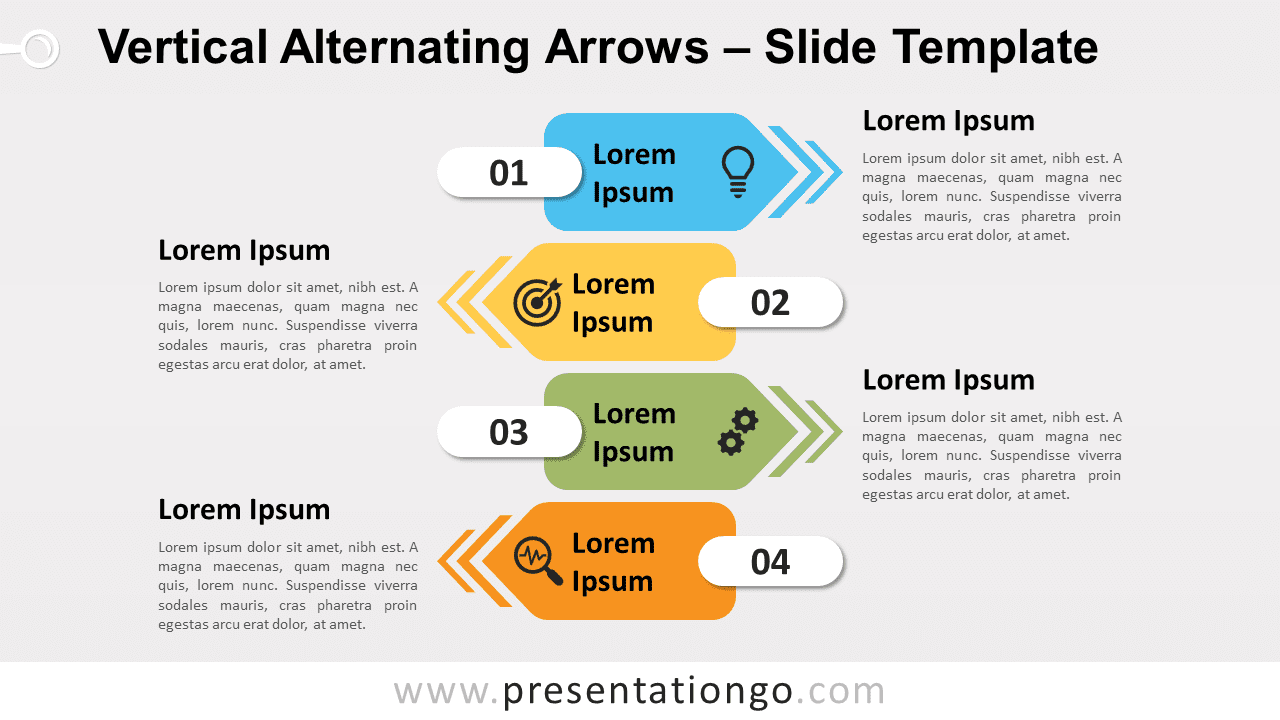
Free vertical alternating arrows for PowerPoint and Google Slides. A vertical set of numbered infographic arrows. Editable graphics.
Détails du modèle
Free vertical alternating arrows for PowerPoint and Google Slides. A vertical set of numbered infographic arrows. Great to show a sequential list of information. Editable graphics with numbers, icons, and text placeholders. Where are your ideas leading to? Show all the possibilities (well, at least 4 of them) to your audience thanks to this free Vertical Alternating Arrows template! This modern and colorful diagram displays 4 numbered arrows with a vertical layout. They point alternately to the right and to the left. Indeed, this design reminds us of a signpost giving directions. Each arrow has a distinct color and also a number from 1 to 4, showing your 4 options of list of ideas or information. In addition, you can add a title and an icon inside each banner. Finally, you can explain each idea with 2 text placeholders on each side. You can use this free Vertical Alternating Arrows template for various purposes. For instance, a list of 4 elements, or the steps of a process with different conversions.
- Source
- PresentationGo
- Format
- pptx
- Taille
- 113 KB
- Téléchargements
- 0
- Diapositives
- 2
- Format
- 16:9
Auteur / Copyright:PresentationGo
Source d’origine:PresentationGo original