 100% 무료
Five-Option Accent Radial for PowerPoint and Google Slides
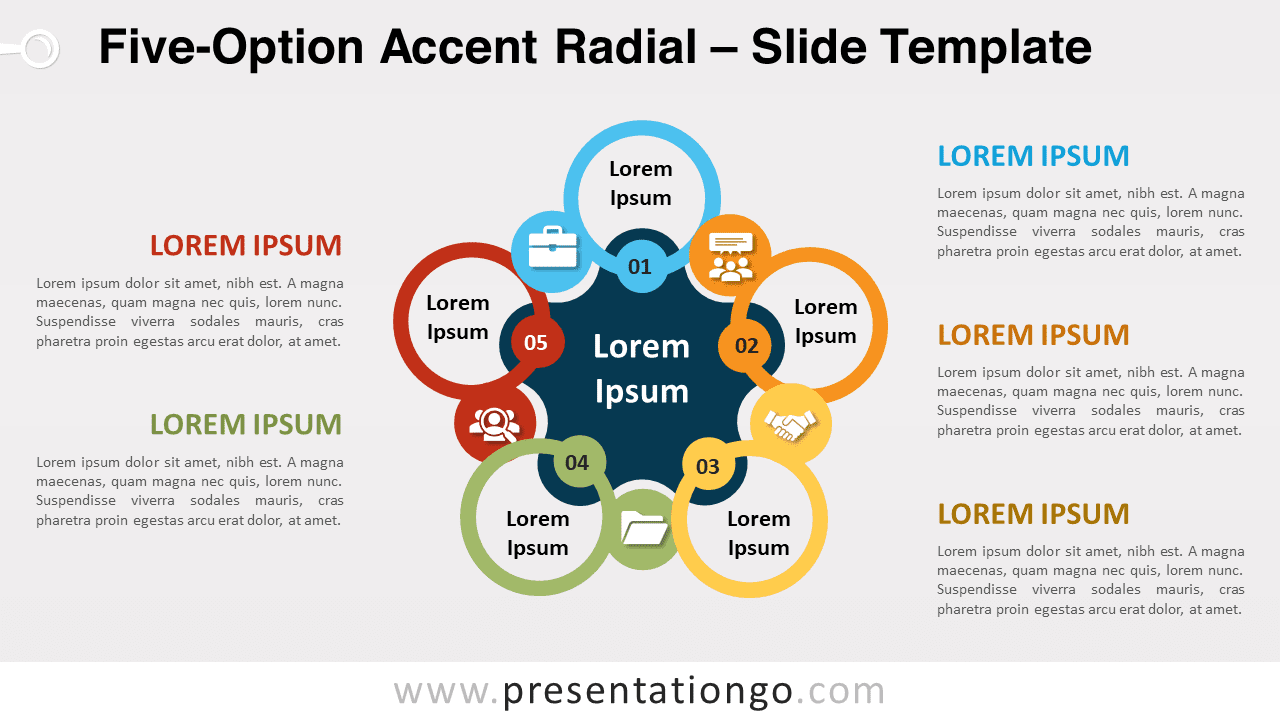
Free five-option accent radial for PowerPoint and Google Slides. A complex and creative colorful circular diagram with 5 elements.
템플릿 상세
Free five-option accent radial for PowerPoint and Google Slides. A complex and creative colorful circular diagram with 5 elements. Editable graphics with numbers, icons, and text placeholders. In this world, everything is interconnected, including thoughts and facts. So, if you need to take your audience for a spin around your 5 best ideas, share this free Five-Option Accent Radial template with them! More specifically, this modern and creative chart shows a central dark blue shape that looks like a 5-circle spinner. This is where you can write the name of your central idea. You can also number your 5 options (ideas or stages in a process) thanks to 5 small circles of different colors. These colorful circles are linked to outer rings inside which you can write the name of your peripheral ideas. Besides, there are 5 little circular shapes in between to showcase icons that will represent your ideas. Finally, you can find 5 text placeholders on the sides to explain your thoughts and facts further. This free Five-Option Accent Radial template offers a fantastic infographic to show a central idea and its 5 peripheral ideas. It is perfect to show the interconnections of these ideas. You can also use it to display a circular process with 5 stages.
- 출처
- PresentationGo
- 형식
- pptx
- 파일 크기
- 127 KB
- 다운로드
- 0
- 슬라이드 수
- 2
- 비율
- 16:9
제작자 / 저작권:PresentationGo
원본 링크:PresentationGo original