 100% 무료
Triangle Diagram for PowerPoint and Google Slides
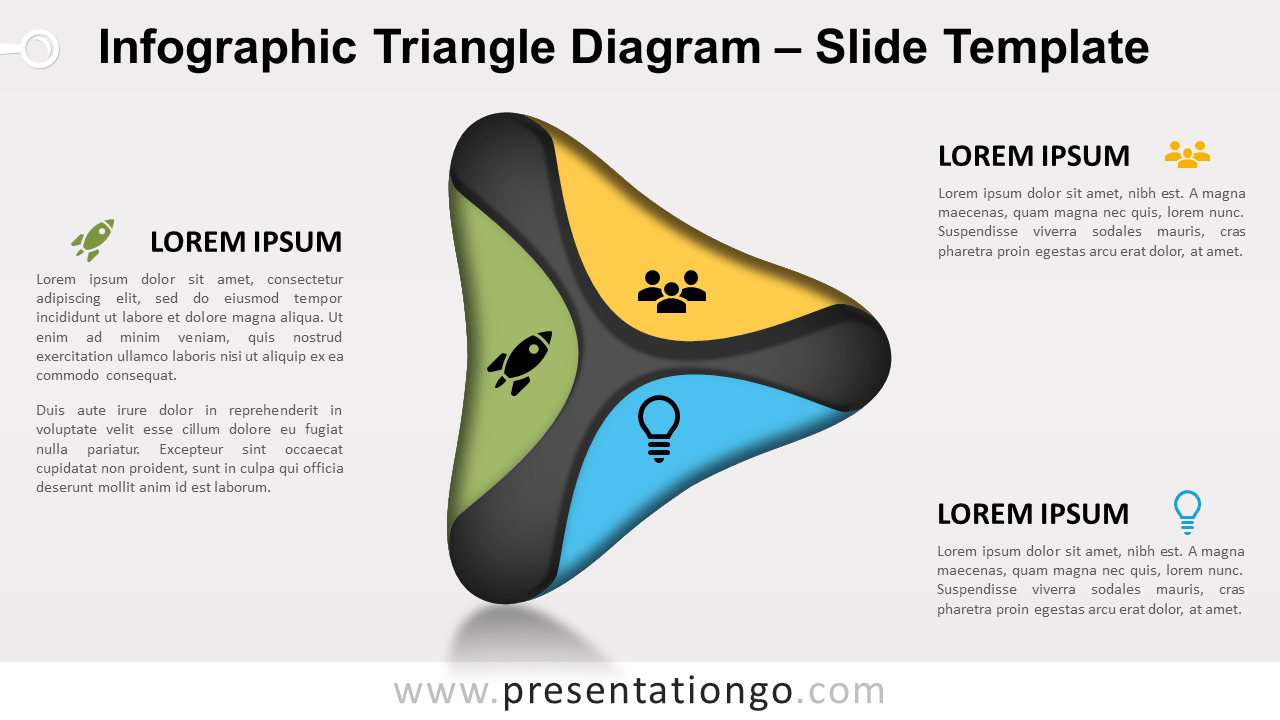
Free triangle diagram for PowerPoint and Google Slides. An equilateral triangle with distinct colors and small circle placeholders for icons.
템플릿 상세
Free triangle diagram for PowerPoint and Google Slides. An equilateral triangle with distinct colors and small circle placeholders for icons. Ideal for presenting three interconnected ideas or three steps in a process. Do you need to share 3 big ideas or 3 interconnected pieces of information? If the number is three, then the shape should be a triangle! So, present your ideas in a clear and simple way with this free Triangle Diagram template! Make it easy as one, two, three! This infographic slide shows an equilateral triangle with a 3D and shade effect. Each side has a distinct color to distinguish your 3 options , ideas, facts, or steps. Besides, there is a small circle above each side for you to showcase an icon. Therefore, you can easily illustrate your idea or item of information. Finally, you can use the 3 large text placeholders to include a title and a short text to explain your thoughts and facts. This free Triangle Diagram template is an eye-catching way to share basic information that comes in three. This 3-sided geometrical shape is indeed perfect to share 3 interconnected ideas or 3 steps in a process.
- 출처
- PresentationGo
- 형식
- pptx
- 파일 크기
- 100 KB
- 다운로드
- 0
- 슬라이드 수
- 2
- 비율
- 16:9
제작자 / 저작권:PresentationGo
원본 링크:PresentationGo original