 100% Free
Converging Lenses for PowerPoint and Google Slides
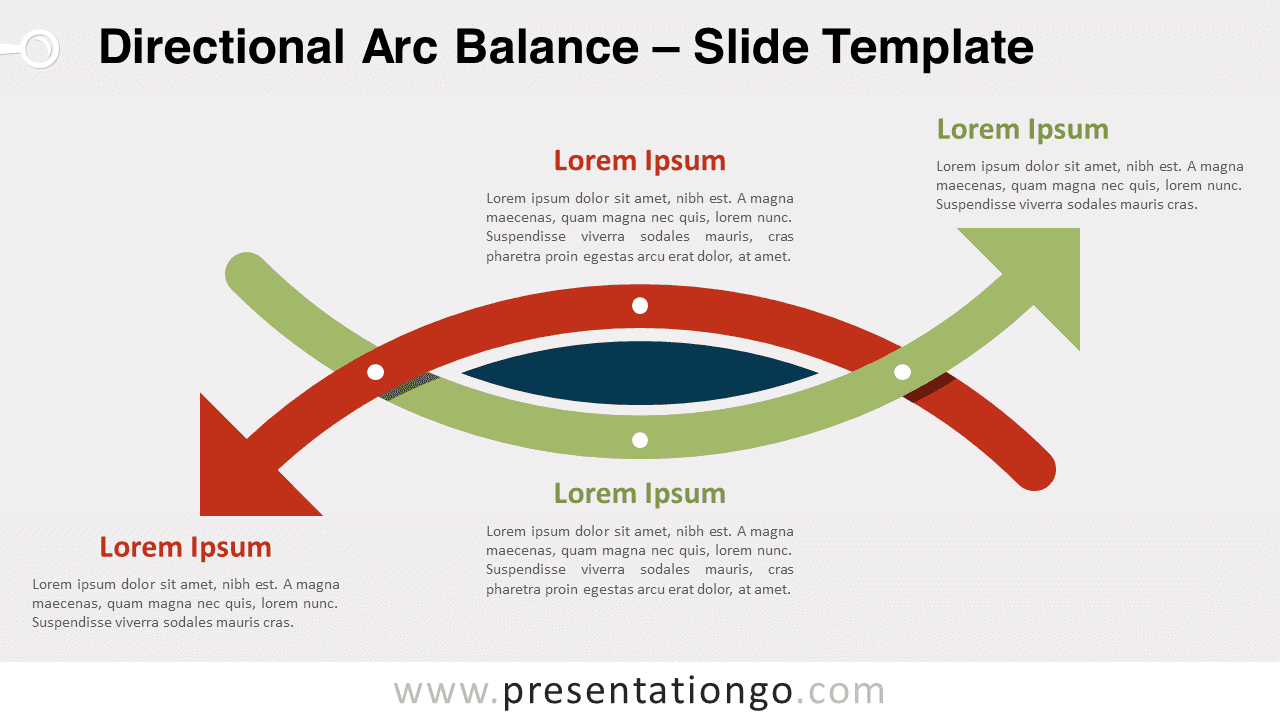
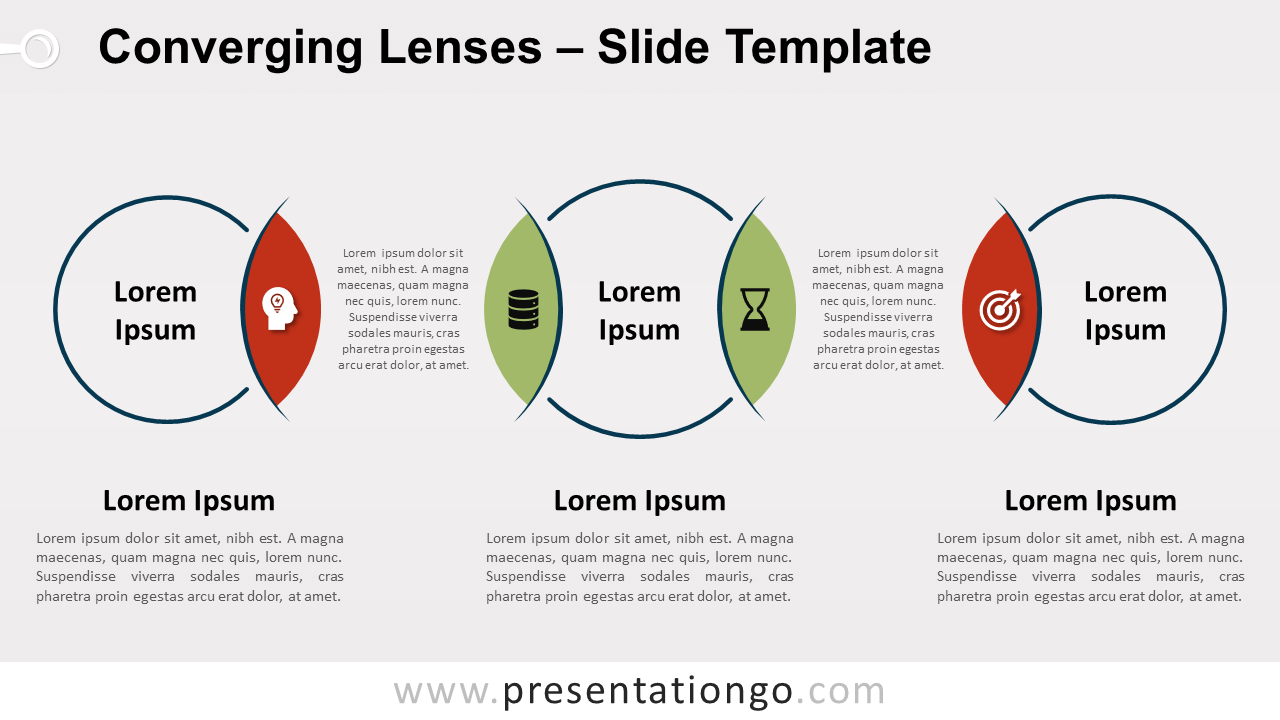
Free converging lenses for PowerPoint and Google Slides. Diagram of a central eye-circular shape and 2 circles with converging lenses.
Template Details
Free converging lenses for PowerPoint and Google Slides. Horizontal diagram of a central circular eye-shaped and two circles with converging lenses on each side. Editable graphics with icons and text placeholders. It’s time to focus on your ideas and expose them with clarity! That’s why you need this radial diagram to help you present your facts with a clear vision. Thanks to this free Converging Lenses template , your audience won’t be able to take their eyes off of your presentation. This horizontal diagram displays a central eye-shaped circle with one green diverging lens on each side. The other two circles only have one red lens, both converging to the central shape. These external lenses can represent danger, a bad idea, or anything that contrasts with your main point. You have therefore 4 options in total to showcase your information. Besides, you can add icons inside the lenses and text between each eye. In case you need more space, you will actually find three text placeholders beneath each circle. This free Converging Lenses chart is perfect to represent both sides of the main central idea and 2 other ideas linked to it. It definitely is a treat for the eyes!
- Source
- PresentationGo
- Format
- pptx
- File size
- 115 KB
- Downloads
- 0
- Slides
- 2
- Aspect Ratio
- 16:9
Author / Copyright:PresentationGo
Original source:PresentationGo original