 100% 免费
信息图方形PowerPoint谷歌幻灯片
Infographic Square for PowerPoint and Google Slides
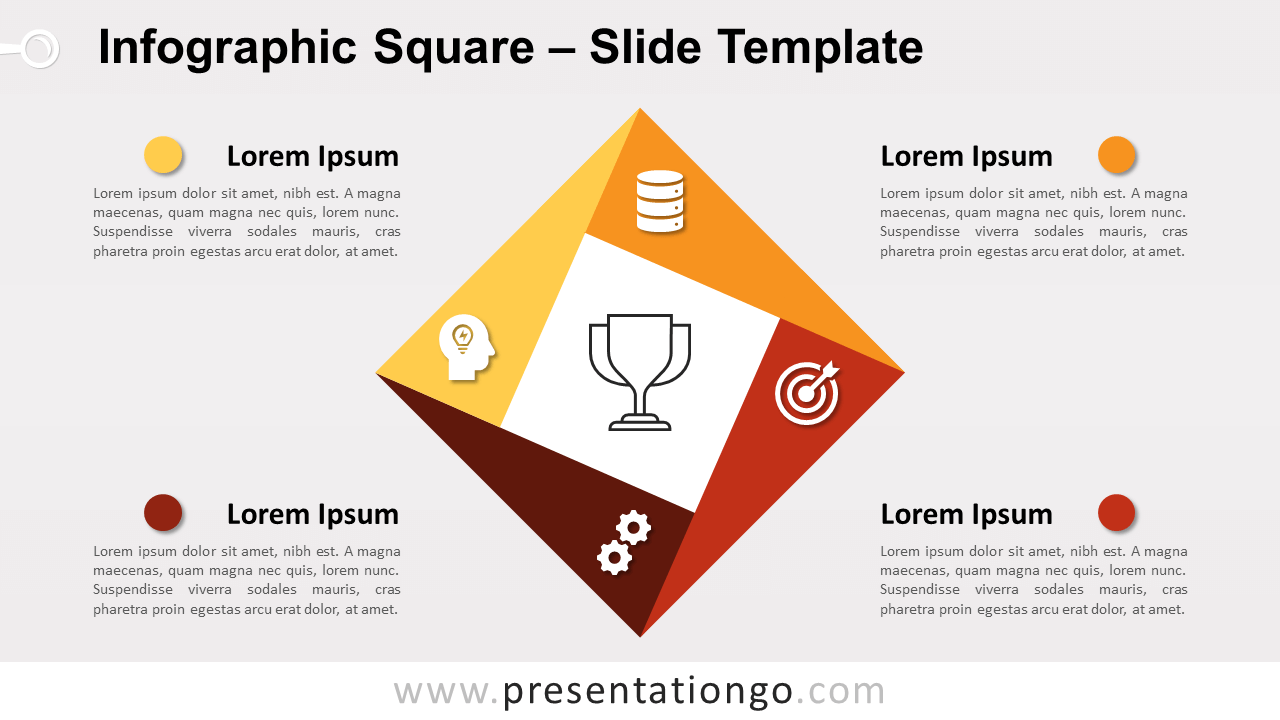
Free infographic square for PowerPoint and Google Slides. An origami-style square designed with triangles and a square in the center.
模板详情
Free infographic square for PowerPoint and Google Slides. An origami-style square designed with triangles and a simple square in the center. Editable graphics with icons and text placeholders. Contrary to what people think, squares can be cool! A great example is this free Infographic Square for PowerPoint which will make your presentation fun, colorful and dynamic. First of all, this square consists of 5 different parts: a central square for you to display your main icon and 4 triangles that give you 4 options to present your ideas or information. These triangles are arranged in the style of origami , thus giving a circular movement to the square. Then, you can place your white icons inside each triangle which exhibit warm colors: yellow, orange, red, and brown. Finally, you will find 4 text placeholders, one in each corner, to specify your ideas. This free Infographic Square slide template will bring movement and color to your presentation. Now you will win your audience’s attention fair and square.
- 来源
- PresentationGo
- 文件格式
- pptx
- 文件大小
- 99 KB
- 下载次数
- 0
- 幻灯片页数
- 2
- 页面比例
- 16:9
作者 / 版权:PresentationGo
原始出处:PresentationGo 原文