 100% 免费
线条设计箭头PowerPoint谷歌幻灯片
Line Design Looping Arrows for PowerPoint and Google Slides
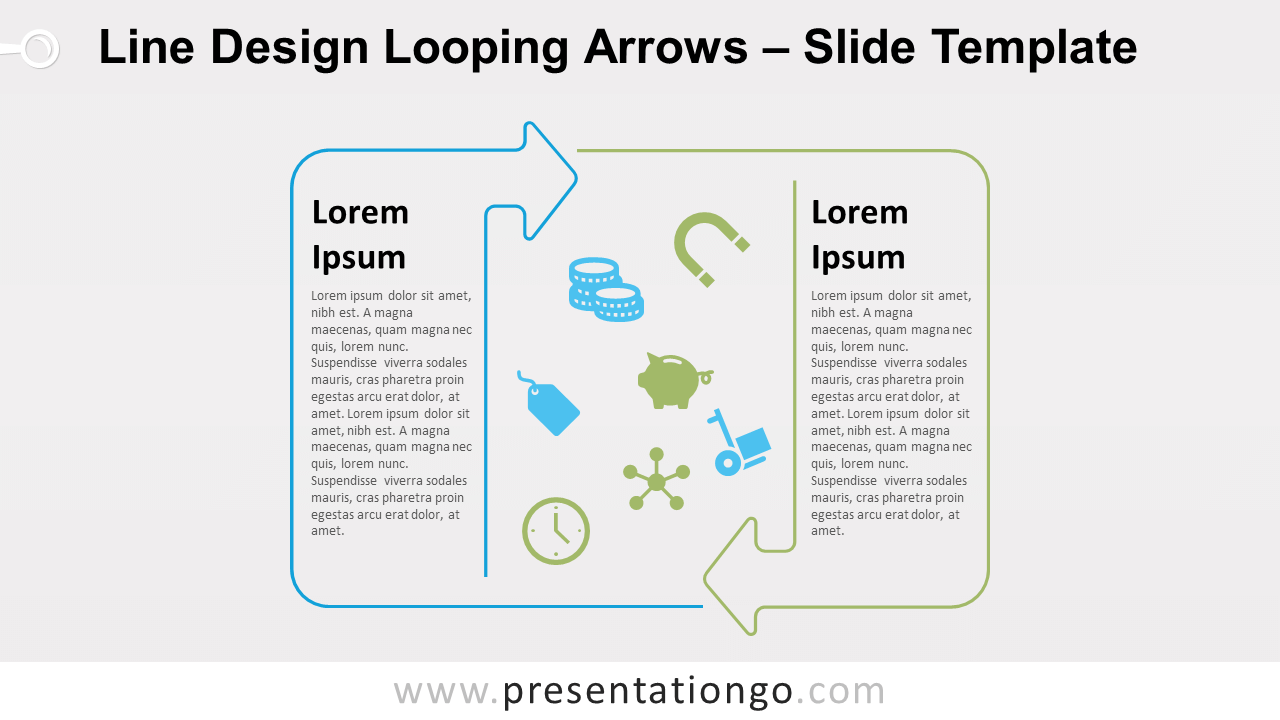
Free line design looping arrows for PowerPoint and Google Slides. A rounded-corner circular diagram with 2 opposing arrows. Editable graphics.
模板详情
Free line design looping arrows for PowerPoint and Google Slides. A rounded-corner circular diagram with 2 opposing arrows. Editable graphics with icons and text placeholders. Our line design collection of diagrams is pleased to announce a new addition! Remember, these line design diagrams are great to highlight your message thanks to a moderate and subtle design. In fact, these diagrams won’t overwhelm your slides with too many color fills and will make your message more legible and therefore easier to understand. More specifically, the overall shape of this diagram is a rounded-corner rectangle. In fact, two opposing circular outline arrows form a circular flow . Also, this diagram is very interesting if you need to insert a large amount of text for each of the 2 stages. Finally, in the center of the cycle diagram, you can add visual elements of your choice, for example, icons. You can use this Line Design Looping Arrows diagram to represent a continuing sequence of 2 stages , tasks, or events in a circular flow.
- 来源
- PresentationGo
- 文件格式
- pptx
- 文件大小
- 102 KB
- 下载次数
- 0
- 幻灯片页数
- 2
- 页面比例
- 16:9
作者 / 版权:PresentationGo
原始出处:PresentationGo 原文