 100% 免费
新拟态模块
Neumorphic Rounded Blocks
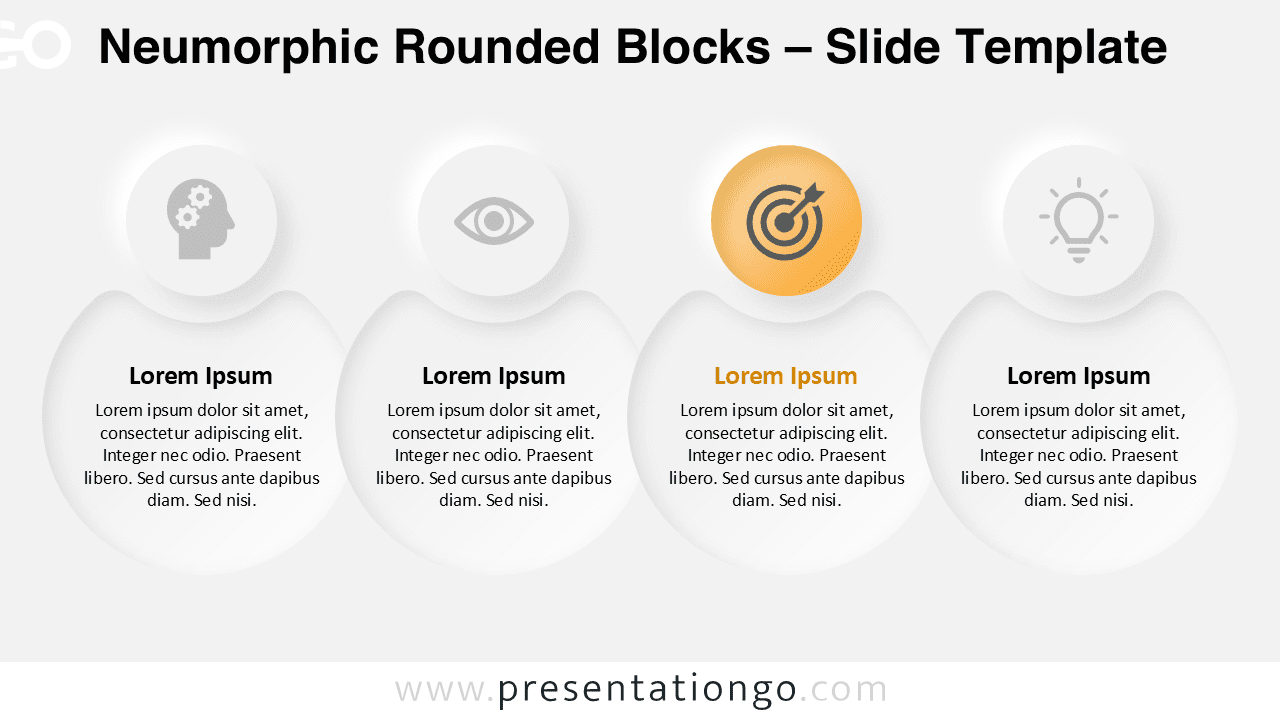
下载 新拟态 Rounded 区块 模板 适用于 PowerPoint 和 Google Slides. 特性 一款 现代 四-步骤 版式 带有 可自定义 形状.
查看原文(English)
Download the Neumorphic Rounded Blocks template for PowerPoint & Google Slides. Features a modern four-step layout with customizable shapes.
模板详情
The Neumorphic Rounded Blocks template features a four-step horizontal layout designed for PowerPoint and Google Slides presentations, ideal for comparing concepts or illustrating processes. This template exemplifies the Neumorphic design trend, characterized by its soft shadows, subtle gradients, and smooth edges that create a tactile, almost 3D look. Each of the four steps features a top circle for icons or numbers and a rounded block beneath for text, creating a dual-shape composition that cleanly separates content. The spacing and visual alignment help guide the viewer’s eye across each step with clarity. In presentations, content blocks like these serve to clarify stages, compare alternatives, or describe steps in a linear sequence. This specific layout is highly effective for outlining four-part processes, business frameworks, or parallel comparisons. For example, it can be used to present customer journey stages, project phases, or product feature comparisons. The file includes two distinctive slides: one with a light background and another with a dark theme. Each slide is pre-filled with icons and placeholders, making initial setup simple. Users can fully customize shapes, icons, colors, and text. Whether using the 4:3 standard or 16:9 widescreen format, this design maintains its balance and readability in both PowerPoint and Google Slides.
模板特性
- 2 unique slides
- Options for both light and dark themes
- Pre-populated with icons and text placeholders
- Fully customizable shapes for complete control
- Available in both Standard (4:3) and Widescreen (16:9) ratios
- Offered in both PowerPoint PPTX and Google Slides formats
- 来源
- PresentationGo
- 文件格式
- pptx
- 文件大小
- 142 KB
- 下载次数
- 0
- 幻灯片页数
- 2
- 页面比例
- 16:9
作者 / 版权:PresentationGo
原始出处:PresentationGo 原文